
Deadlock Mod Manager problems
Fix Deadlock Mod Manager problems: antivirus warnings, a missing game folder, stuck downloads, and mods that will not turn off.
Fix the most common problems with Deadlock Mod Manager (DMM). Each fix starts with what you see, then the cause and the fix. New to DMM? Set it up first with Install mods with Deadlock Mod Manager.
What you need

Deadlock Mod Manager
deadlockmods.appYour Deadlock folderDownload DMM from deadlockmods.app, its official site. To open your Deadlock folder, right-click Deadlock in Steam and choose Manage, then Browse local files.
Check these first
- Close Deadlock before you change anything in DMM. Mods you import while the game runs stay off.
- Use only one mod manager. Two managers both rewrite
gameinfo.gi, so mods vanish or load twice. - Look at DMM's status bar. It should show the API as online and the game as ready.
- Restart Deadlock after every change. The game reads mods only when it starts.
Mods stopped working right after a game update? That is a different problem. See Mods not loading.
Watch the tips
This short video covers a few of the fixes below, from 1:12.
The video is from October 2025, before the September 2026 update. It gets DMM from another site. Get DMM from deadlockmods.app instead.
The app will not start or gets flagged
deadlockmodmanager.com is an unofficial lookalike. GitHub also has fake
repos named deadlock-mod-manager-mods. Read What's allowed and how to stay
safe for more signs of a fake.
Game folder and downloads
Mods and files
Switch to Grimoire
If DMM keeps failing on your PC, Grimoire is the main alternative.
- Close Deadlock.
- Download Grimoire only from grimoiremods.com or its GitHub page.
- Install it and use its DMM import. It finds your DMM mods for you.
- Uninstall DMM, so only one manager edits
gameinfo.gi.
Grimoire's Windows installer is not code-signed yet, so Windows may show a warning. Its GitHub page lists checksums you can use to check the file.
Still stuck
DMM's own docs and community cover more cases.
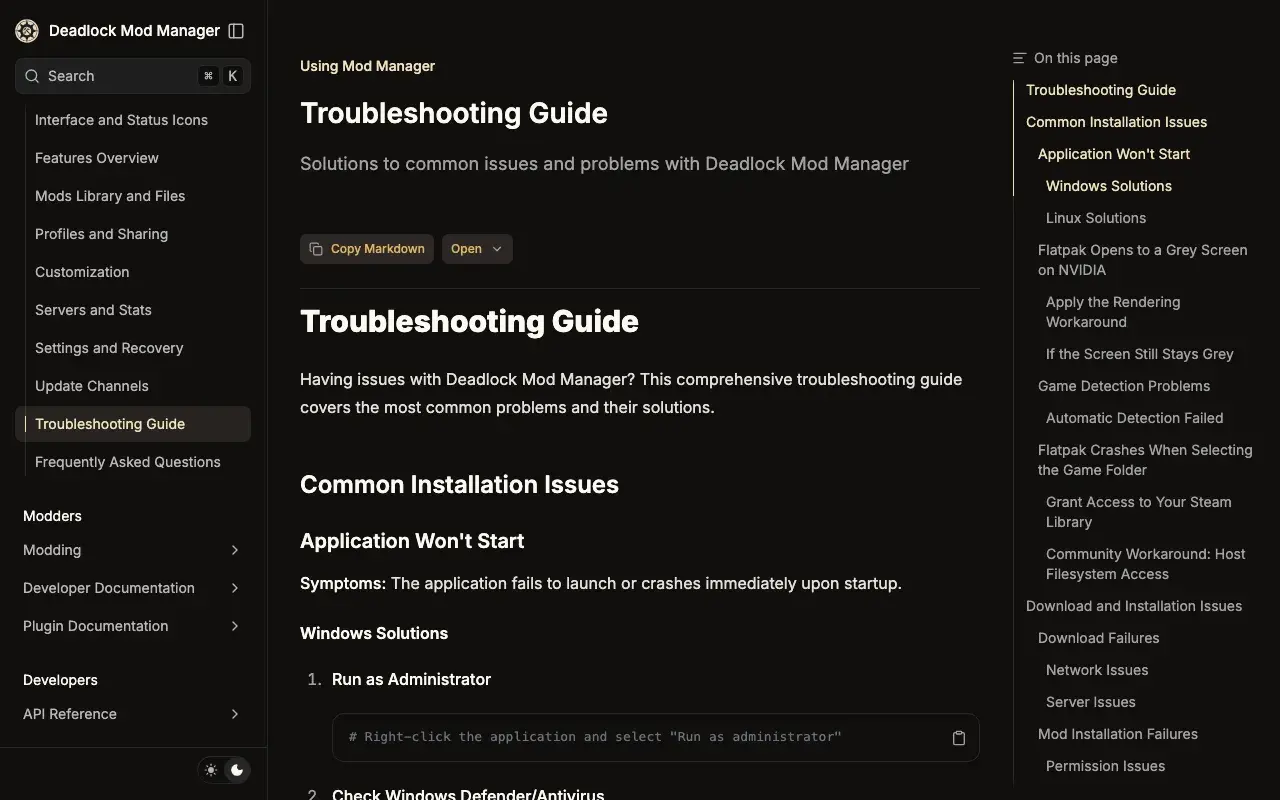 DMM Troubleshooting Guide
More cases, such as display problems, settings that reset, and network checks.
Then search DMM's GitHub issues for your problem before you open a new issue. You can also ask in the DMM Discord. The link is on deadlockmods.app.
Next steps
The game crashes at launch.
How DMM and Grimoire differ.
Skip a manager and install mods yourself.
Credits
This guide is based on the work of these creators. Check out their original guides.
- Video: How to Install Mods On Deadlock The EASIEST Way (Mod Manager) by SNIPZTEA.
- Guide: Troubleshooting Guide and Mods Library and Files from the Deadlock Mod Manager docs.
- Discussion: Deadlock Mod Management flagged by antivirus on r/DeadlockModManager, with replies from the DMM developer.
- Tool: Deadlock Mod Manager by Stormix and contributors.
- Guide: Installing mods from the Grimoire docs by Slush97.