
Stitch VFX with Quartz
Use Quartz to port visual effects from another champion or skin into your custom skin.
Required tool: Quartz
Install Quartz before starting this tutorial.
Open the Port tool
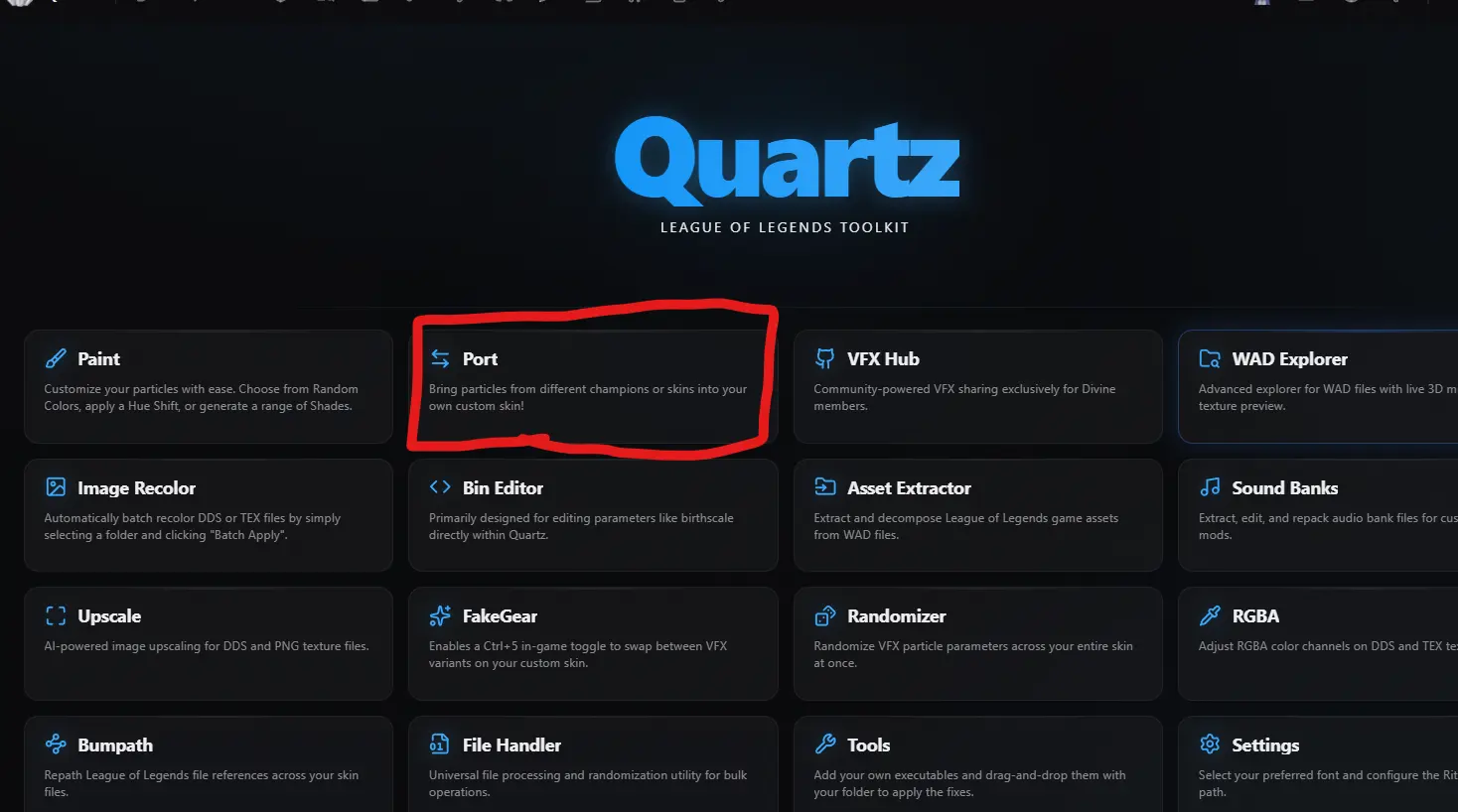
Open Quartz and select Port on the home screen.
Load your target BIN
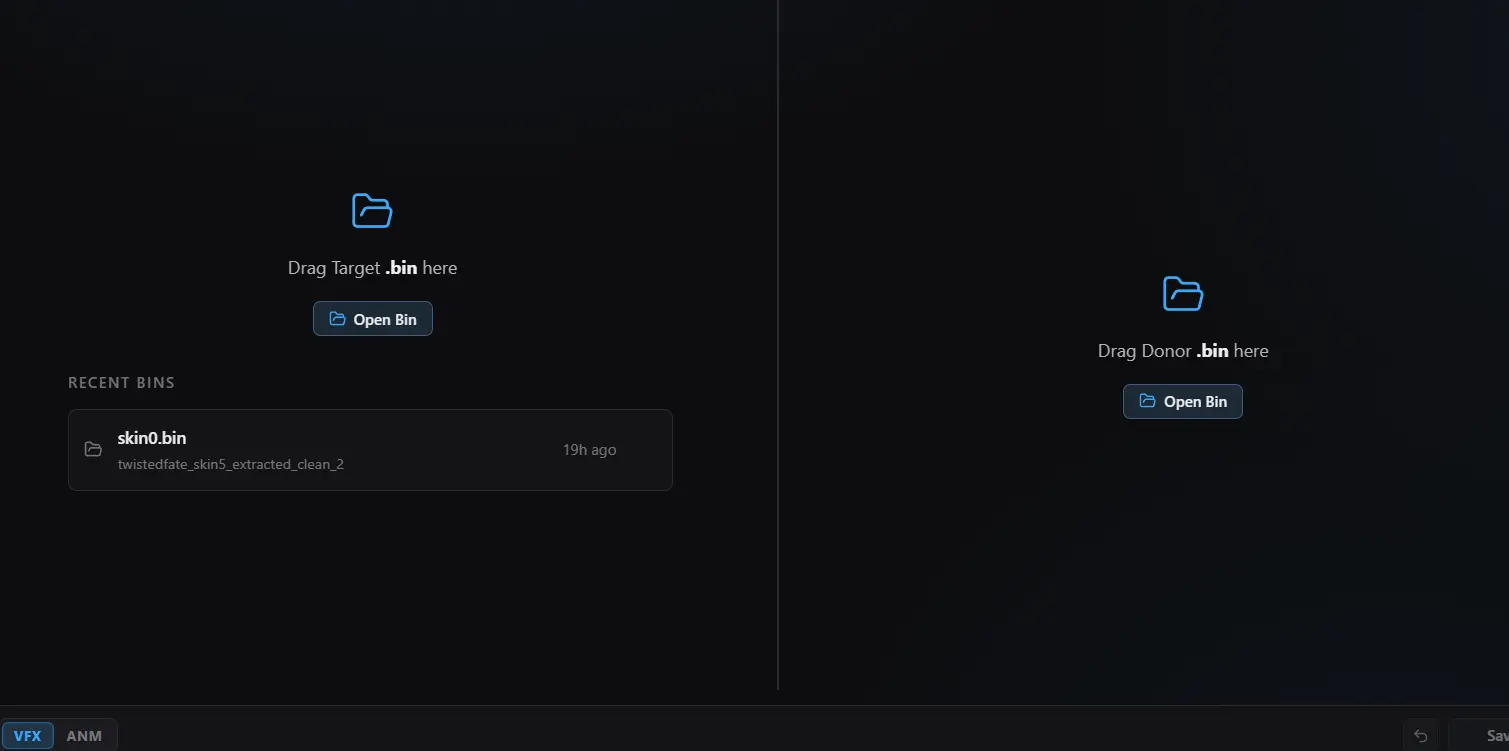
Click Open Bin on the left and open your custom skin's VFX .bin file, usually in the data folder.
Choose a donor
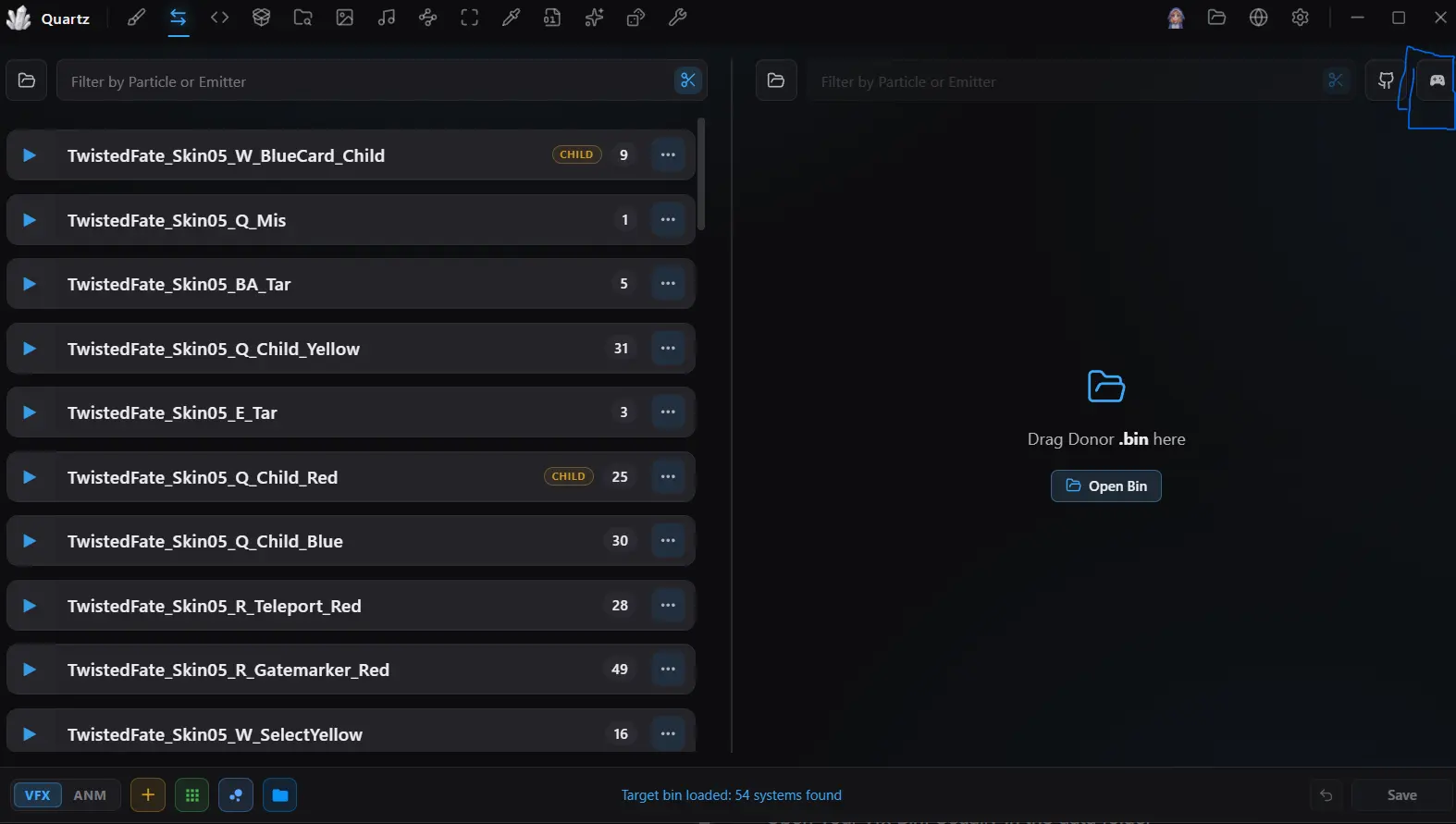
Click the game controller icon on the right to browse donor BINs from in-game champions and skins.
Effect name shortcuts
- Mis: missile, the projectile a champion fires.
- Tar: target, the effect that plays when it hits someone.
Port the effect
Find the donor effect you want to use. Select the target effect, then click the arrow on the donor effect to port it over.