
Mod managers compared
Deadlock Mod Manager and Grimoire compared: features, platforms, privacy settings, and how to switch. Plus the lookalike sites to avoid.
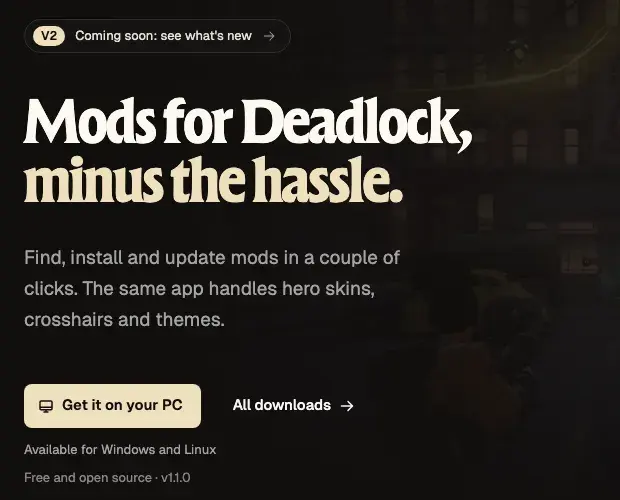
A mod manager installs the mods you already have, edits gameinfo.gi for you, and fixes your setup after game updates. Two managers are worth your time: Deadlock Mod Manager (DMM) and Grimoire. We recommend DMM.

Imports your mods, sets the load order, and reapplies them after updates. Windows and Linux.
Recommended Grimoire
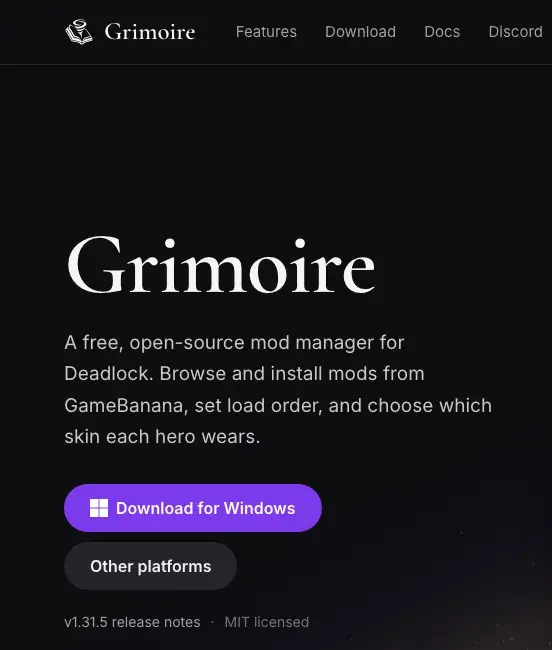
A smaller manager with a per-hero skin picker. Windows and Linux.
AlternativeWhat you need

Deadlock on Steam
latest versionWindows 10 or 11
or a Linux PCOur pick: Deadlock Mod Manager
Why DMM:
- It manages the mods you have. Import a
.vpkor archive, set the load order, and turn mods on or off. After a game update, it reapplies them. - Most players use it. It has far more downloads and Discord members than Grimoire. See the numbers below.
- An active team. More than 30 people have worked on it. It updates its copy of
gameinfo.giwithin a day of each game update. - Open source and well documented. The code is public under GPL-3.0, and the DMM docs cover install, load order, and fixes.
- No lock-in. DMM and Grimoire can each import the other's mods.
What to know before you install:
- The last stable version came out on August 1, 2026. A rebuilt V2 is in testing.
- Antivirus apps sometimes flag DMM after an update. The developer says these are false alarms. Download it only from the official site.
- Some players report freezes or crashes on start with the current stable version.
- The developer calls Linux support "best effort".
Looking for Celestial? Divine's launcher will support Deadlock mods later. It does not install them yet.
Grimoire, the alternative
Grimoire launched in January 2026. One main developer builds it, and a new version comes out every few days.
What it does well:
- Locker: pick which skin each hero wears, with a live 3D preview.
- Conflict checks file by file, so you see exactly which mods clash.
- Snapshots to undo changes, and a built-in tool to merge mods into one VPK.
- No telemetry, its developer says.
Its limits:
- The Windows installer is not code-signed yet, so Windows may show a SmartScreen warning. Each GitHub release includes a checksum file (
SHA256SUMS) to check your download. - Its developer says Grimoire was made with AI assistance.
Get Grimoire only from grimoiremods.com or its GitHub page.
Side by side
Numbers checked on October 14, 2026.
| Signal | Deadlock Mod Manager | Grimoire |
|---|---|---|
| Downloads (GitHub installers) | 1.8 million+ | 90,000+ |
| Discord members | 22,000+ | 550+ |
| Commits in the last 90 days | 380+ | 170+ |
| Team | 30+ contributors | Mostly one developer |
| Release pace | Stable in August 2026, V2 in testing | A new version every few days |
| License | GPL-3.0 (open source) | MIT (open source) |
| Platforms | Windows 10 and 11, Linux | Windows, Linux |
| Windows installer | Signed (stable builds) | Not signed yet, checksums published |
| Privacy | Usage data and Match Data Sharing, both optional | No telemetry, per its developer |
Features compared
| Feature | DMM | Grimoire |
|---|---|---|
Add your own .vpk or archive | Yes | Yes, by drag and drop |
Edits gameinfo.gi for you | Yes | Yes |
| Fixes your setup after a game update | Yes | Yes |
| Load order | Yes, in a dialog | Yes, drag or type numbers |
| More than 99 mods | Yes | Yes, up to 990 |
| Conflict warnings | Per hero | Per file |
| Profiles | Yes | Yes |
| Launch without mods | Yes | Yes |
| Undo changes | Backups of your mods folder | Snapshots |
| Per-hero skin picker | Yes | Yes, with a 3D preview |
| Import from the other manager | Yes | Yes |
Privacy settings
DMM has a feature called Match Data Sharing. It fetches your own match data. To do that, it reads your Steam login token from a file on your PC.
- Open DMM.
- Open Settings, then Privacy.
- Turn off Match Data Sharing if you do not want it.
DMM also collects anonymous usage data. Its setup wizard asks whether you want to share it.
Grimoire says it sends no telemetry.
Use one manager only
Each manager rewrites gameinfo.gi its own way. Grimoire, for example,
removes the lines DMM adds, so DMM's mods stop loading. Pick one manager and
uninstall the other.
To switch without losing your mods:
- Close Deadlock.
- Install the new manager and import your mods from the old one. Both managers find the other one's mods.
- Uninstall the old manager.
Switch managers or uninstall has the exact menu names.
Test your own mods in a manager
If you play with a manager, add your test builds through it too. Then it keeps track of every file in your addons folder.
- Add a local file. DMM imports a
.vpk,.zip,.rar, or.7z. Grimoire takes a VPK by drag and drop. - Zip it right. If you zip a test build, put the
.vpkat the top of the zip, not inside a folder. - Swap builds fast. DMM has a developer mode that swaps an installed mod's VPK for your new build. Its developer showed it in May 2026, so the menu may look different now.
- Keep one number. Give your work-in-progress the same pak number every time. Test your mod in game explains why.
Lookalikes and tools to skip
deadlockmodmanager.comis not DMM's site. It is an unofficial lookalike that links to an old build. The real sites aredeadlockmods.appanddeadlockmods.com.- GitHub repos named
deadlock-mod-manager-modsare fakes. They copy DMM's name and hold no code. - Several brand-new managers appeared on GitHub in October 2026. They have no users or track record yet. Wait until they prove themselves.
- You do not need a separate
gameinfo.gipatcher. Both managers, and the manual edit, already do that job.
What's allowed and how to stay safe lists more fakes to avoid.
Common problems
Most manager problems come from a read-only file, an antivirus alert, or a game update that reset gameinfo.gi. See Deadlock Mod Manager problems.
Next steps
Set up DMM, import your mods, and set the load order.
Credits
This guide is based on the work of these creators. Check out their original guides and tools.
- Guide: Getting Started, Mods Library, and Settings and Recovery from the Deadlock Mod Manager docs.
- Guide: Installing mods and Load order from the Grimoire docs by Slush97.
- Video: Deadlock Mod Manager - 1.0.0 update! by Stormix_dev.
- Tool: Deadlock Mod Manager by Stormix and contributors.
- Tool: Grimoire by Slush97.