
Custom chat wheel
Build custom chat wheel menus with ChatLane and install them as a mod, plus the crash to watch for after game updates.
Build your own chat wheel menus with ChatLane and install them as a mod. ChatLane can also add voice commands that the normal game doesn't let you bind.
ChatLane's last update came before the City Never Sleeps update of 2026-09-29. It may not match the current game. We have not tested these steps on build 6779 yet.
What you need
ChatLaneBy RedMser. Free and open source (MIT license).

Deadlock Mod Manager
or by handSet up mod loading first, with Deadlock Mod Manager or by hand. On Linux, ChatLane runs through Wine.
What ChatLane does
ChatLane is a community tool with a window you click through and a command-line version. It edits the game's chat wheel script file for you. Then it saves the result as an addon VPK.
The chat wheel's data lives in these game files:
Keep your wheel text free of slurs and harassment.
Make and install your wheel
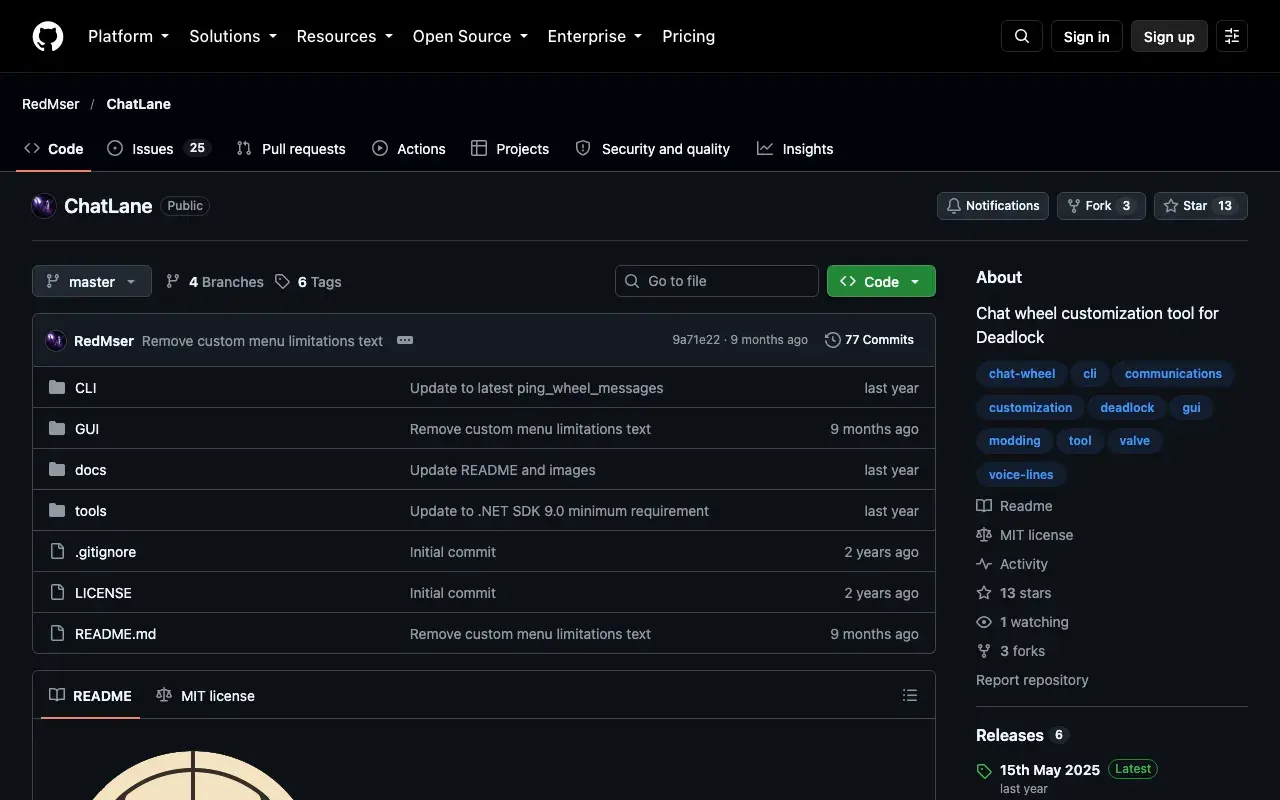
Get ChatLane
- Open ChatLane on GitHub.
- Under Releases on the right, click the newest release.
- Download the program from that release page.
- If it comes as a zip, unzip it into its own folder.
Build a wheel
ChatLane's README on GitHub shows its exact buttons. If a label here differs, follow the README. The flow is:
- Start ChatLane.
- Choose the messages and voice commands you want on each part of the wheel.
- Save your wheel as an addon VPK.
Install the VPK
- Close Deadlock.
- Give the VPK a free mod name, such as
pak10_dir.vpk. The rules are in Pack your mod into a VPK. - Put it in
game/citadel/addons/. - Start Deadlock and open the chat wheel.
- Check that every custom menu shows and each message works.
After a game update
Updates often replace gameinfo.gi, so your mods stop loading. If that
happens, opening the chat wheel or the settings can crash the game. This lasts
until you load your mods again or unbind your custom menus.
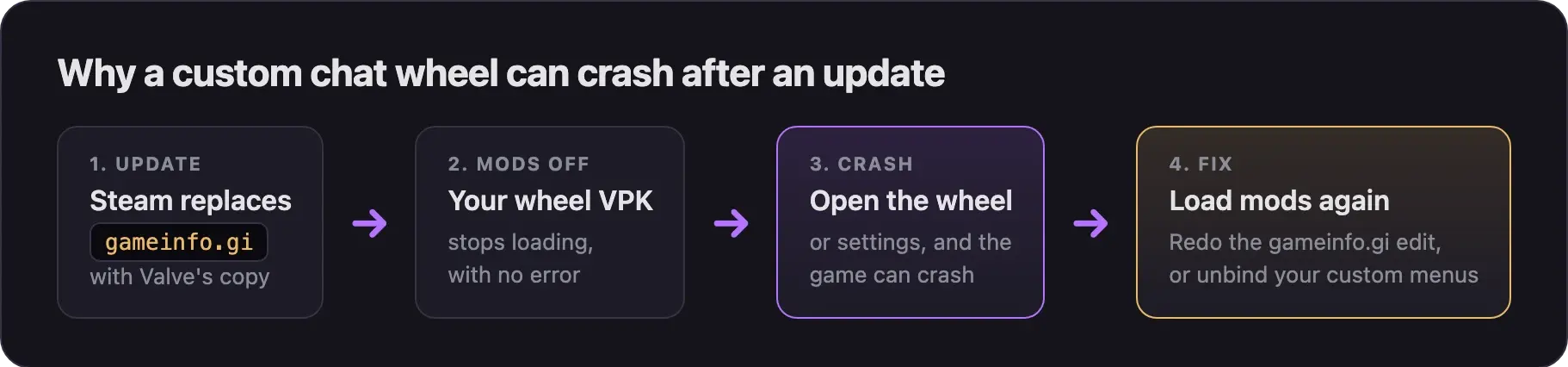
After each update, before you open the chat wheel or the settings:
- Close Deadlock.
- Load your mods again:
Click Launch Modded.
Redo the gameinfo.gi edit, the same way you set it up the first time.
- Start the game and open the chat wheel.
- If it still crashes, check ChatLane's GitHub page for a new release and build your wheel again.
To stop using your wheel, unbind your custom menus in the game first. Then remove the VPK from addons.
Next steps
Swap the mouse cursor for your own image. No modding tools needed.
Credits
This guide is based on the work of these creators. Check out their original tools.
- Tool: ChatLane by RedMser.
- Data: GameTracking-Deadlock by SteamTracking, for the chat wheel file paths.